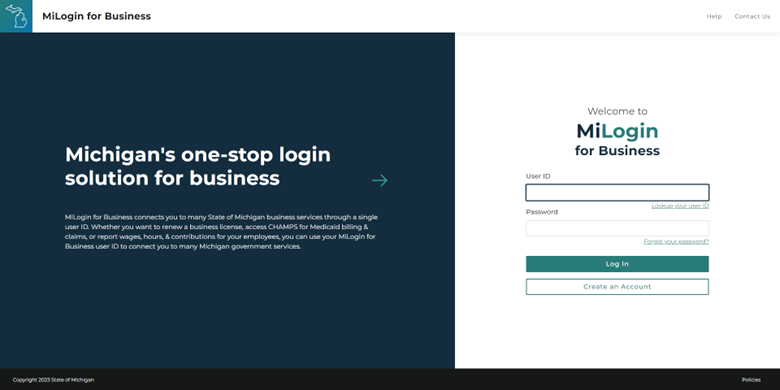
A MCIR School or Childcare Site Administrator is responsible for managing their site by adding, editing and deleting their site users associated to their school or childcare site.
Site User List Responsibilities
Maintaining an up-to-date Site User list is an essential component of being a MCIR Site Administrator. Regularly reviewing your Site User list ensures that only people who need access to MCIR have it. Establishing a procedure for removing exiting employees from a MCIR site is highly recommended.
Please note: Your Site User list may include MCIR, MDHHS, or Local Health Department staff. These users typically have a designation next to their name stating their organization (examples: MCIR Help Desk Staff, MCIR ETA, Oakland County VFC, etc.). These Site Users should not be removed from your list as access to a MCIR site is frequently required for LHD or MDHHS staff.
MCIR Site Administrator Mini Modules
Please note that some resources may refer to Provider Sites or Users rather than School/Childcare Users. Many processes including adding new or existing users are the same for both Providers and Schools/Childcares.


MiLogin Account Assistance